

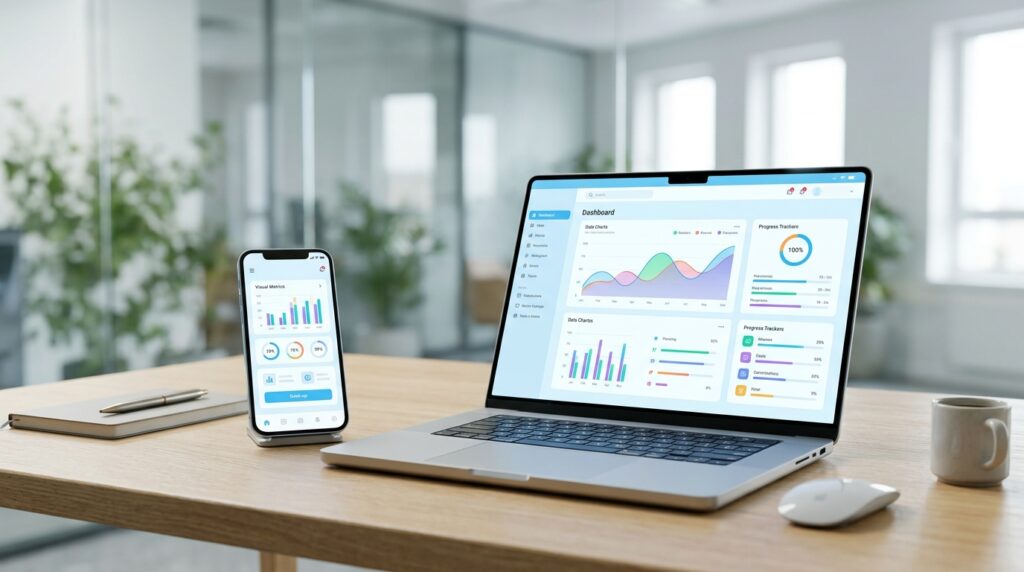
A mobile app can make everyday business tasks easier for customers and employees. Customers can book appointments, place orders, check updates or manage their accounts directly from their phones. Employees can use apps to access information and handle work without relying on several separate tools.
However, every business has different requirements. A retail company may need an app for online orders while a service business may need appointment booking and customer management. This is where custom mobile app development becomes useful.
A custom app is built around your business goals, users and required features. You can decide how it works, what information it collects and how it connects with your existing systems.
In this guide, we’ll explain how custom mobile app development works, its benefits, the development process and the costs businesses should consider.
What Is Custom Mobile App Development?
Custom mobile app development is the process of creating an application based on the specific needs of a business or its customers.
The development team plans the app around your requirements. This includes its design, features, functionality and technical structure.
For example, a restaurant may need an app with online ordering, delivery tracking and payment options. A healthcare business may need appointment scheduling, patient accounts and reminders.
Both businesses need mobile apps, but their requirements are very different.
A custom application gives you more control over these details. You can decide which features matter, how users move through the app and which business systems it needs to connect with.
Custom App Development vs Ready-Made Apps
Businesses often have to choose between a ready-made application and a custom solution.
Ready-made apps come with existing features and pricing plans. You can usually start using them quickly, but you may have limited control over how they work.
Custom apps take more planning and development time. They are built around your business processes and can include features that standard software may not support.
Here are some key differences:
Area | Ready-made app | Custom mobile app |
Features | Pre-built features | Features based on your requirements |
Design | Limited design options | Custom interface and user experience |
Setup | Usually quicker | Requires planning and development |
Flexibility | Depends on the provider | Greater control over functionality |
Integration | Limited to supported systems | Can be developed for required integrations |
Pricing | Often subscription-based | Depends on project scope and complexity |
Ownership | Depends on the software agreement | Depends on the development contract |
A ready-made app can work well when your requirements are simple. Custom development is worth considering when your business needs specific workflows, integrations or a distinct customer experience.
Benefits of Custom Mobile App Development for Businesses

A mobile app can support different parts of your business. The benefits depend on what you build and how customers or employees use it.
1. Features built around your business
Every business has its own way of handling orders, appointments, payments and customer requests.
A custom app lets you choose features based on these activities. You don’t have to structure your processes around the limitations of a standard application.
For example, a logistics company may need shipment tracking, delivery updates and proof of delivery. A standard shopping app would not meet those requirements.
2. Better customer experience
Customers usually want to complete tasks without unnecessary steps.
A well-designed mobile app can make common activities easier. Customers might save their details, check order status, book services or receive notifications from one place.
The app should have clear navigation and simple screens. Too many features or confusing menus can make people stop using it.
3. Easier business operations
Some business tasks still involve manual work, repeated data entry and communication between different departments.
An app can bring selected activities into one system.
For example, a service company could allow customers to book appointments while staff receive booking details through an internal dashboard. This can reduce manual coordination and make daily work easier to manage.
4. Integration with existing business systems
Your app may need to work with software your business already uses.
Depending on the project, it can connect with payment gateways, customer relationship management systems, inventory platforms or other business tools.
These integrations help information move between systems. The development team needs to check whether the required platforms provide suitable APIs and access before planning the integration.
5. More control over future updates
Business requirements change as a company grows.
You may want to add new payment methods, introduce customer accounts or connect another service. A custom application can be updated as these requirements develop.
The ability to make changes will depend on the original architecture, technology choices and quality of the code.
6. A consistent brand experience
Your mobile app is another place where customers interact with your business.
Custom design lets you use your brand colours, typography, images and preferred layout. It also gives you control over how the app communicates with users.
A consistent experience across your website and mobile app can make your business easier to recognize.
What Features Should a Custom Mobile App Include?
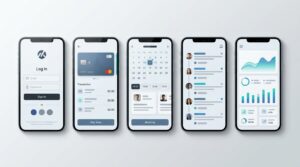
The right features depend on the type of app you’re building. Adding too many features at the beginning can increase development time and make the app harder to use.
Start with the functions users need most.
Here are some common options:
User registration and login
Users may need accounts to access personal information, order history, saved preferences or other private features.
Login options can include email and password, phone verification or supported third-party sign-in methods.
Push notifications
Push notifications can inform users about order updates, appointment reminders, new messages and other relevant events.
They should be useful and sent at an appropriate time. Too many notifications can annoy users and lead them to disable alerts.
Payment integration
An app that accepts payments may need a secure payment gateway.
The development team should consider supported payment methods, transaction handling, refunds and payment security during planning.
Search and filters
Search tools help users find products, services or information quickly.
Filters can make this easier when an app contains many listings or categories.
Admin dashboard
An admin dashboard gives authorized staff a way to manage information within the app.
Depending on the project, it may include user management, order tracking, content updates, reports and notification controls.
Analytics and reporting
Analytics can help you understand how people use your app.
You may want to track registrations, purchases, bookings, active users and feature usage. These measurements help identify areas that need improvement.
The Custom Mobile App Development Process
Building a mobile app involves several stages. Each stage helps the team understand the requirements and prepare the application for real users.
1. Define your business requirements
Start by identifying the problem your app needs to solve.
Think about who will use it, what they need to do and which business activities it should support.
For example, if you run a delivery business, your app may need customer ordering, driver tracking and delivery updates.
At this stage, list the essential features separately from the features you may add later.
2. Research your users and competitors
Understanding your target users helps you make better design and development decisions.
Look at the apps your audience already uses. Check their features, navigation, customer reviews and common complaints.
This research can help you identify what users expect and where your application could provide a better experience.
3. Plan the app structure and design
The design stage covers how the app looks and how users move between screens.
The team may prepare wireframes and clickable prototypes before development begins.
These early designs help you review the user journey. You can identify confusing steps or missing features before they become expensive development changes.
4. Choose the development technology
The right technology depends on your requirements, budget, target devices and future plans.
Common development approaches include:
- Native development: Separate applications are developed for iOS and Android using their respective technologies.
- Cross-platform development: A shared codebase is used to build apps for multiple platforms.
- Hybrid development: Web technologies are used within a native application container.
Each approach has different technical considerations. Your development team should explain which one fits your project and why.
5. Develop the application
During development, programmers build the app’s interface, backend and required features.
The backend may handle user accounts, databases, payments, notifications and communication with external systems.
For larger projects, development is often divided into smaller milestones. This gives the business regular opportunities to review progress.
6. Test the app
Testing checks whether the application works as expected.
The team should check navigation, forms, login, payments, performance and device compatibility. Security testing is also important when the app handles personal or financial information.
Testing on different screen sizes and operating system versions can help identify problems before launch.
7. Launch the application
Once testing and approval are complete, the app can be prepared for release.
For iOS and Android, this usually involves submitting the application to the relevant app stores and meeting their review requirements.
Your business should also prepare app descriptions, screenshots, privacy information and support details.
8. Maintain and update the app
App development continues after launch.
Operating systems change, devices receive updates and users report problems. Your team may need to fix bugs, update dependencies, improve security or add features.
Planning for ongoing maintenance helps keep the application working as expected.
How Much Does Custom Mobile App Development Cost?
Custom mobile app development cost depends on the size and technical requirements of your project.
A simple application with a few screens and basic functions will generally require less work than an app with user accounts, payments, real-time tracking and several external integrations.
The following factors affect the budget.
App complexity
The number and complexity of features have a direct effect on development effort.
A basic informational app may need a relatively small feature set. An app with live chat, booking management, payment processing and multiple user roles requires more planning and development.
Platform requirements
Building for iOS, Android or both affects the project scope.
Native development may require separate development work for each platform. Cross-platform development can share parts of the codebase, although some features may still need platform-specific work.
Design requirements
A simple interface usually takes less design work than a complex application with custom animations, interactive elements and several user journeys.
The number of screens and the level of customization also affect the design budget.
Backend and integrations
Apps that need databases, admin panels, payment systems or connections with external software require additional development.
The cost depends on the number of integrations and the complexity of the information being exchanged.
Testing and maintenance
Testing needs to cover the app’s main features and supported devices.
After launch, you should also budget for bug fixes, operating system updates, hosting and technical support.
There is no single price that applies to every custom application. The best way to estimate your budget is to prepare a feature list and request a project estimate based on the actual requirements.
How to Choose a Custom Mobile App Development Company
Choosing a development partner is an important decision. The team you hire will influence the app’s design, functionality and long-term maintenance.
Before making a decision, consider these points.
Review previous projects
Ask to see examples of apps the company has developed.
Look at the quality of the interface, available features and the type of businesses they have worked with. If possible, test the published apps yourself.
Understand their development process
A development company should explain how it handles planning, design, coding, testing and launch.
Ask how often you will receive progress updates and how the team handles changes to project requirements.
Check technical experience
Find out which technologies the team works with and whether they have experience building applications similar to yours.
If your app needs payment processing, real-time features or third-party integrations, ask about their experience with those requirements.
Discuss communication and support
You should know who will manage your project and how you can contact the team.
Ask what happens after launch. Check whether the company provides maintenance, bug fixes and support for future updates.
Review the project agreement
The agreement should explain the project scope, milestones, payment terms, delivery expectations and ownership of the source code.
It should also clarify how additional features or changes will be handled.
If you’re planning a business application, you can explore Clear Solutions’ mobile app development services to learn more about the development support available.
Common Mistakes to Avoid During App Development
Some decisions can create unnecessary delays or costs. Planning these areas early can help prevent problems.
Starting without clear requirements: When the team does not understand the app’s purpose, features may change repeatedly during development.
Adding too many features: Every additional feature needs design, development and testing. Start with the functions your users need most.
Ignoring user experience: An app may have useful features but still be difficult to use. Test the navigation and main tasks with real users.
Skipping security planning: Apps that store personal details or process payments need suitable security measures from the beginning.
Choosing technology based only on price: A low initial estimate may not cover the technical requirements or future maintenance needs.
Forgetting post-launch support: Operating systems and third-party services change over time. Plan for updates and technical support before the app goes live.
Is Custom Mobile App Development Right for Your Business?
Custom development can be a good option when your business needs specific features, workflows or integrations that existing applications cannot provide.
It may be worth considering if:
- Your business has a process that standard apps cannot handle.
- You want customers to book, order or manage services through an app.
- Your employees need access to business information while working.
- You need an app that connects with existing business software.
- You have plans to add features as your business grows.
A custom app may not be necessary for every business. If your requirements are simple, an existing platform may already provide everything you need.
Start by identifying the problem and comparing the available options. This will help you decide whether custom development is a sensible investment.
Final Thoughts
Custom mobile app development gives businesses a way to build software around their own requirements. It can support customer services, simplify internal tasks and connect different business systems.
The first step is to understand what your users need and which problems the app should solve. From there, you can plan the features, choose the development approach and set a realistic budget.
If you’re considering a mobile app for your business, contact Clear Solutions to discuss your project requirements and development options.